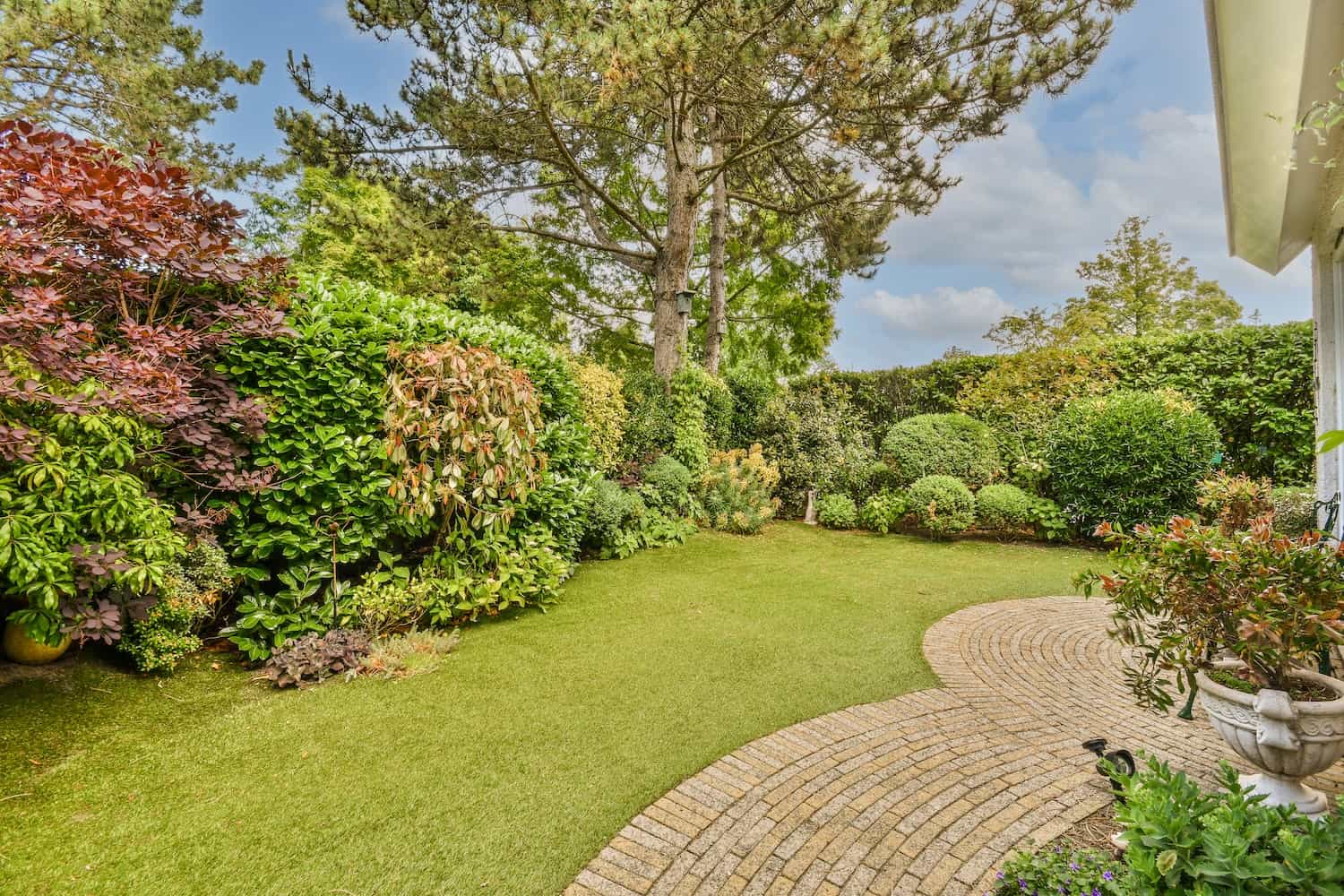

Smart watering for Seattle yards – with Mr. Lee
Why Upgrade?
Here in the PNW, some weeks it rains every day. Some weeks we hit drought conditions. A Wi-Fi-enabled controller checks the weather for you and skips watering when you don’t need it. You just set it up once and it adjusts automatically.
Benefits of Wi-Fi Controllers:
- Automatic rain, freeze, and seasonal adjustments
- Control from your phone (anywhere!)
- See exactly how much water you’ve used
- Save on water bills
- Prevent overwatering, runoff, and plant stress
Best Smart Irrigation Controllers (Mr. Lee Approved)
| Brand | Best For | Notes |
|---|---|---|
| Rachio 3 | Most homeowners | Super easy setup, sleek app, rain skip, weather intelligence |
| Hunter Hydrawise | Pros & advanced users | Great for large systems, commercial-grade features |
| Orbit B-Hyve | Budget smart option | Works well, just not as smooth an app as Rachio |
| Rain Bird Wi-Fi Ready | Expandable | Needs module for Wi-Fi, but good quality and durable |
Step-by-Step: How to Upgrade Your Controller to Wi-Fi
1. Shut Off Power
Unplug the old controller or flip the breaker. Safety first.
2. Take a Photo of Your Wiring
Label your wires or snap a clear photo of the current setup. You’ll reconnect them the same way.
3. Remove the Old Controller
Unscrew it from the wall, disconnect the wires, and take it out.
4. Install the New Wi-Fi Controller
- Mount it on the wall (indoor or outdoor-rated)
- Reconnect the wires to the same terminals (common wire, zones 1-4, etc.)
- If you have a master valve or pump, connect that too
- Plug it in and power it up
5. Connect to Wi-Fi
Download the controller’s app (Rachio, Hydrawise, etc.)
- Follow the setup instructions
- Enter your Wi-Fi password
- Link it to your phone or tablet
6. Program Your Zones
- Name each zone (e.g., “Front Lawn,” “Veggie Beds”)
- Set watering durations or let the app handle it based on weather, plant type, and soil
- Add your zip code for local weather data
7. Test Each Zone
Use the app or the controller to manually run each zone and make sure everything works.
Mr. Lee’s Tips for Seattle Lawns
- Set it to water early in the morning—that’s best for Seattle’s cool, damp air.
- Use weather skip features to avoid watering before or after rain.
- For gardens and shrubs, adjust soil type and plant type in the app for better water savings.
- If your Wi-Fi signal is weak at the controller, use a Wi-Fi range extender nearby.
Need Help Installing or Programming?
At Lee’s General Landscaping, we handle Wi-Fi controller upgrades all over Seattle—from retrofitting old systems to setting up new smart irrigation that works with your landscape, not against it. If you want to “set it and forget it” and let the system do the thinking, give Mr. Lee a call.
Lee’s General Landscaping – Seattle, WA
Smart irrigation, efficient water use, and honest help from your local pro.
Call or text today to schedule a controller upgrade or full irrigation tune-up.